How to Organize a Centralized Social Media Content Hub
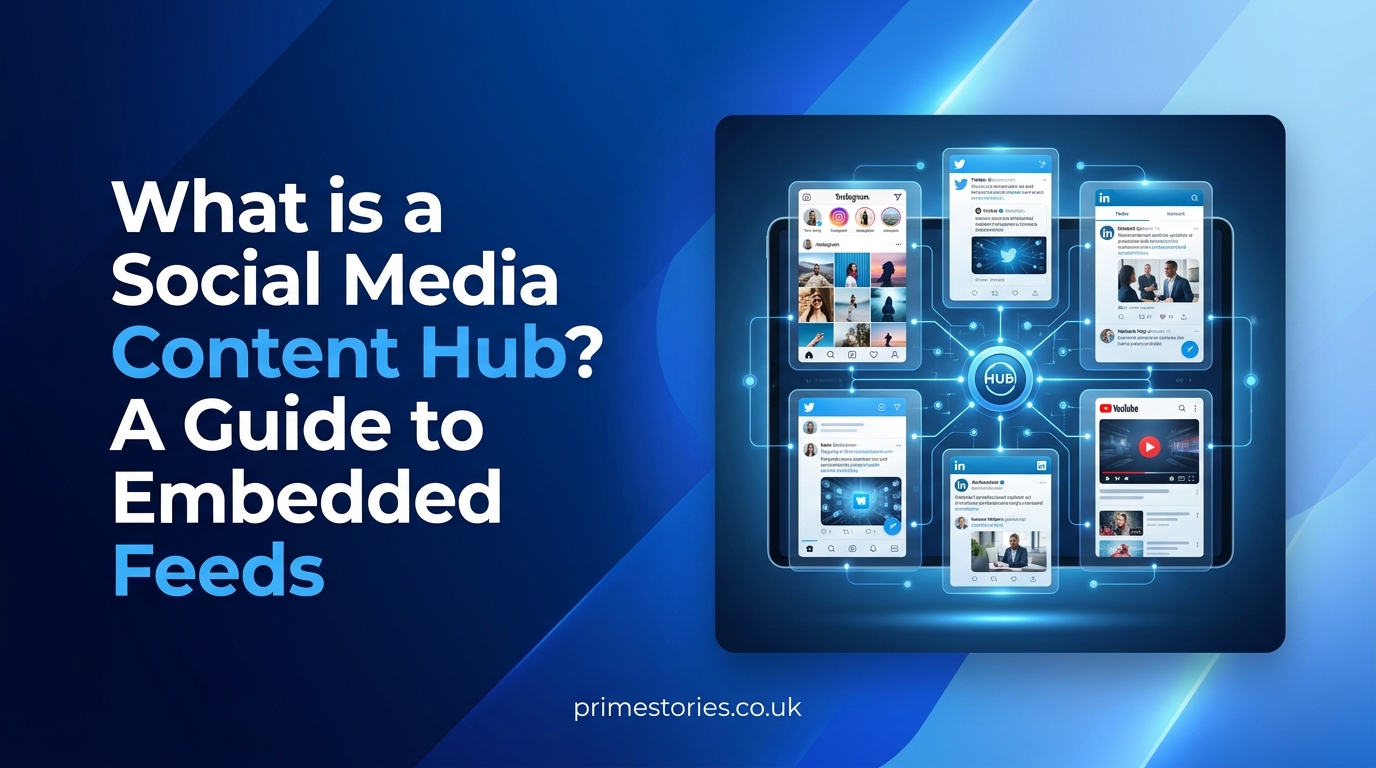
Managing multiple digital profiles can quickly become overwhelming for creators and businesses. The phrase social media stuff embedtree generally refers to the practice of organizing scattered social media posts, videos, and links into a single, centralized web hub. Whether understood as a specific third-party aggregation tool or as a broader strategy for embedded media management, this approach allows visitors to consume content without constantly jumping between different apps.
By centralizing digital assets, website owners can improve engagement, provide stronger social proof, and present a cohesive online presence.
The Difference Between Linking and Embedding
To understand how these content hubs work, it is important to distinguish between a standard link and an embed. A link directs a visitor away from your website to an external platform. If they click a link to a YouTube video, they leave your site and may not return.
An embed takes the external content and displays it directly within your current webpage. This keeps the visitor on your site while still allowing them to interact with the media. They can play a video, swipe through an image gallery, or read a caption exactly as they would on the native app, but without ever closing your domain.
How Embedded Content Hubs Work
Platforms and tools designed for social aggregation simplify the process of bringing multiple feeds together. Instead of manually copying and pasting individual HTML codes every time a new video or photo goes live, website owners use these tools to automate the process.
- Secure Account Connection: Users connect their social profiles to the aggregator tool. It is critical to manage third-party apps and services carefully, ensuring you only grant the minimum necessary permissions to read your public feeds rather than allowing full account control.
- Visual Layout Selection: Once connected, the tools pull the live content and arrange it into a structured layout. Popular formats include grid layouts for photo-heavy feeds, carousels to save vertical space on a homepage, and masonry designs that cleanly mix different media sizes, like short text updates alongside vertical videos.
- Automatic Updates: When a new post is published on the connected social network, the embedded feed automatically updates on the website. This ensures the content remains fresh and active without requiring manual maintenance from the site owner.
Practical Uses for Social Media Integration
Bringing various platforms into one centralized location serves several practical purposes depending on the website’s overarching goals.
Creator Portfolios
Digital creators use embedded hubs to display their latest YouTube highlights, TikTok reels, and Instagram grids on a single page. This provides a comprehensive, playable overview of their work to potential sponsors or new followers, serving as a dynamic portfolio that updates itself.
E-Commerce and Retail
Small businesses frequently use aggregators to display customer-generated content and product reviews. Showing real customers using a product in real-time directly on a sales page increases trust. Seeing an active, positive social feed right next to a checkout button can significantly boost a buyer’s confidence.
Blogs and Publications
Media sites embed relevant social reactions, live event feeds, and discussion threads into their articles. This complements written content by providing real-time context, showcasing public statements, or pulling in live data during breaking news events.
Protecting Website Speed and Security
While embedding multimedia makes a website more interactive, pulling heavy scripts from external servers can severely slow down a webpage. Unoptimized embeds frustrate visitors, drain mobile data, and can negatively affect a site’s search visibility.
To maintain a fast and secure website when displaying social feeds, site administrators should follow a few technical safeguards:
- Delay Widget Loading: Web developers frequently implement lazy loading to prevent heavy media files from blocking the initial page rendering. This setting tells the web browser to wait until the visitor scrolls near the embedded feed before downloading the external scripts.
- Limit the Number of Widgets: Instead of loading five different platform feeds simultaneously, prioritize the most important content. Limiting the number of automated streams keeps the page lightweight and prevents visual clutter.
- Monitor Performance: Regularly check your site’s performance metrics to ensure the added aggregation scripts are not causing unexpected layout shifts, broken elements, or unacceptable loading delays.
- Review Privacy and Access: Periodically audit the permissions granted to any aggregation tool. Immediately revoke access if a service is no longer being used, if it changes ownership, or if its privacy terms become unclear.
For more digital strategy tips, web integration tutorials, and expert guides on building a better website, explore the newest articles on the PrimeStories.